
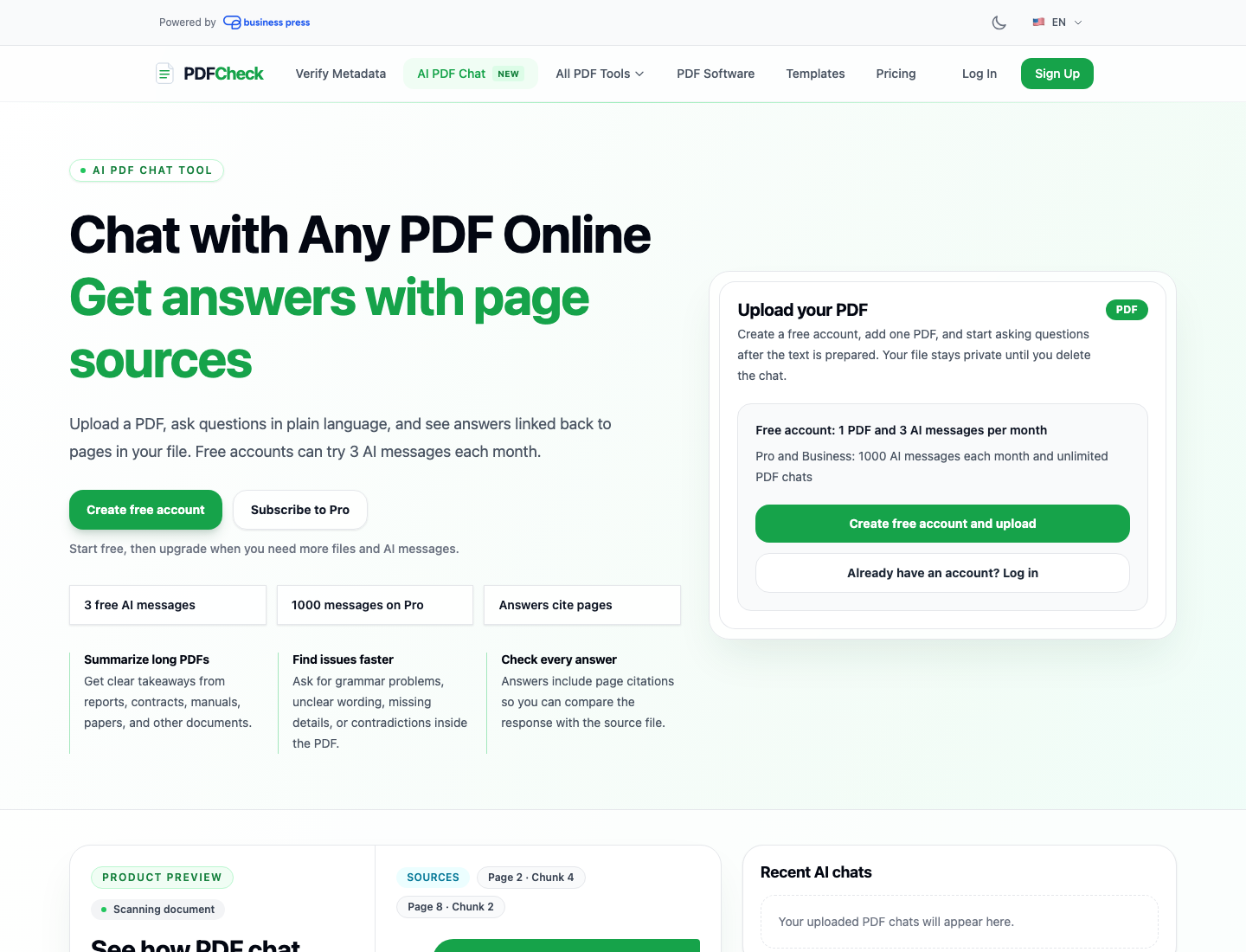
What Is AI PDF Chat?
AI PDF chat is a way to ask questions about a PDF instead of manually searching through pages. Upload a document, ask a natural-language question, and the tool answers using the content inside that file. A good AI PDF chat tool should do more than summarize a document: it should show where the answer came from, let you keep reading the original PDF, and help you review the document with confidence.
PDFCheck's Chat with Any PDF feature is built for that kind of workflow. It combines PDF preview, AI question answering, page citations, selected context, comments, AI-generated document notes, monthly usage allowances, and OCR fallback for scanned PDFs. The result is a practical PDF assistant for contracts, reports, research papers, policies, manuals, invoices, and long business documents.
Start free, upgrade only when you need more
Free accounts can try AI PDF Chat with one PDF and three successful AI messages per calendar month. Pro and Business plans include 1000 successful AI messages per month and unlimited one-PDF chat sessions.
Try AI PDF Chat freeWhy PDF Chat Needs Sources, Not Just Answers
PDFs often contain high-stakes information: payment terms, legal clauses, policy requirements, compliance statements, financial numbers, product specifications, and dates. A generic AI answer is not enough. You need to know which page or passage supports the answer so you can verify it yourself.
PDFCheck uses local retrieval: it extracts text into page-based chunks, finds the chunks most relevant to your question, and sends those excerpts to the configured AI provider. The model is asked to answer from the supplied context and return citations. PDFCheck then validates citations server-side so references point only to source chunks that were actually provided to the model.
That matters because it turns AI PDF chat from a black-box response into a review workflow. You can ask for a summary, ask where a clause appears, check whether two parts of the document disagree, or request a plain-English explanation while still keeping the original source nearby.
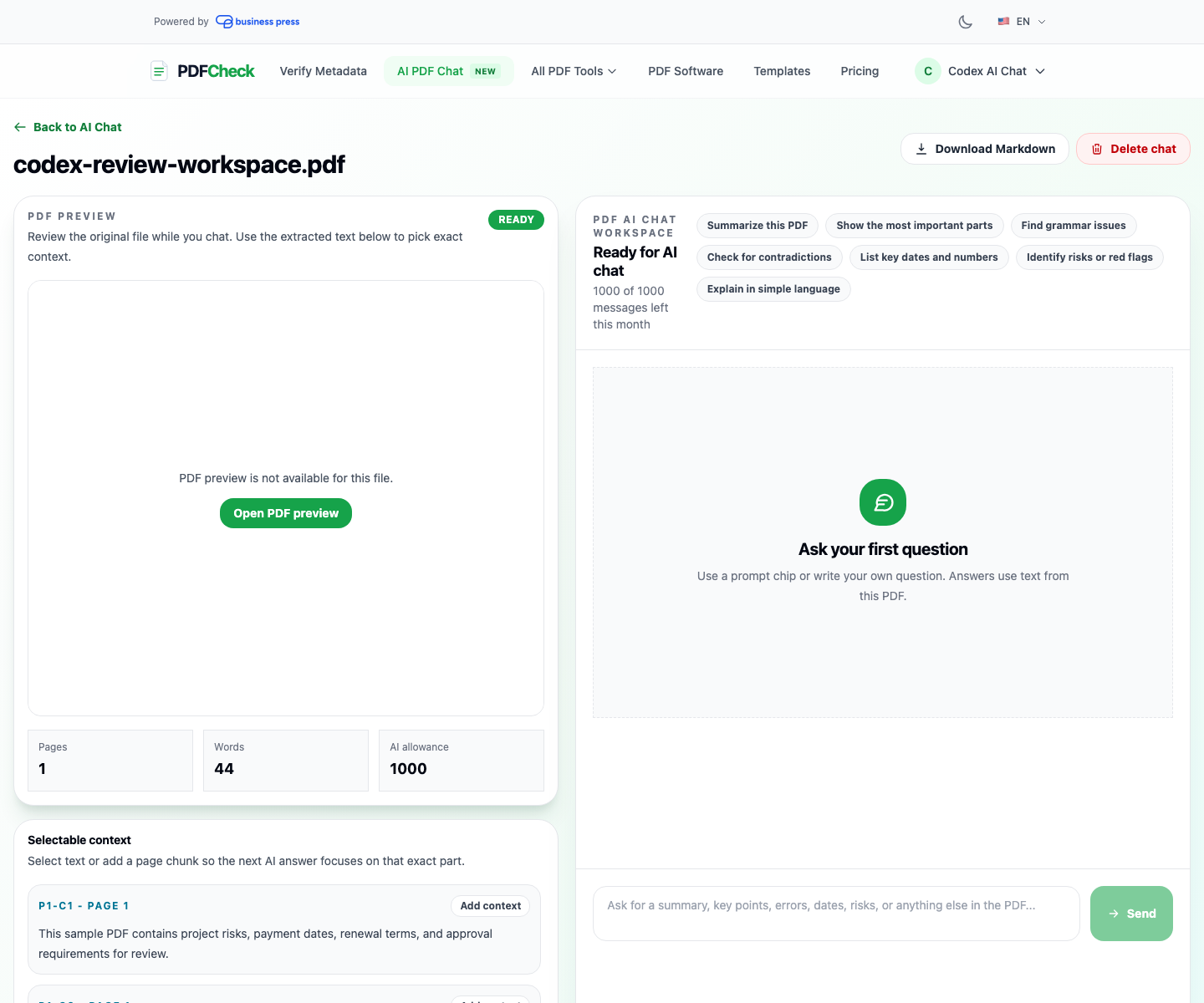
What You Can Ask an AI PDF Chat Tool
The best questions are grounded in the document. PDFCheck includes prompt suggestions for common review tasks, but you can ask your own questions too.
Summaries and quick reads
Ask for an executive summary, a simple explanation, or a list of the most important sections.
Key dates, numbers, and obligations
Find deadlines, renewal dates, totals, limits, fees, names, definitions, and required actions.
Grammar and clarity review
Ask for unclear wording, grammar issues, missing definitions, or inconsistent terminology.
Consistency and risk checks
Compare sections inside the same document and ask for contradictions, unusual clauses, or areas needing human review.
PDFCheck Is More Than a Chat Box
Many PDF chat products focus on one narrow action: upload a file, ask a question, get a response. That can be useful, but it often leaves the user switching between a PDF reader, notes, screenshots, a separate AI chat, and another tool for metadata or validation.
PDFCheck is different because AI PDF Chat is part of a broader PDF processing platform. You can move from chat to AI-generated PDF detection, PDF validation, digital signature checking, PDF highlighting, PDF compression, and software fingerprint research without leaving the same product family.
Advanced PDF processing features in PDFCheck
Source-backed AI answers
Answers include citations from the PDF, not just generic AI text.
PDF preview and selected context
Review the document beside the chat and send selected passages as focused context.
Comments and AI notes
Leave your own annotations, and let AI add document comments tied to source sections.
OCR for scanned PDFs
When no extractable text is found, PDFCheck can render pages as images and send them for OCR extraction.
Markdown export
Download extracted PDF content and annotations as Markdown for notes, docs, or audit trails.
Account history
Return to previous PDF chat files from your account and continue the review session.
How It Compares with Typical PDF Chat Tools
A simple PDF chatbot can answer basic questions, but serious document work needs more context. PDFCheck is designed around the whole review loop: upload, extract, inspect, ask, cite, comment, export, and continue later.
| Capability | Typical PDF chat | PDFCheck AI PDF Chat |
|---|---|---|
| Source citations | Often limited or not validated | Validated citations from supplied PDF chunks |
| Document review UI | Chat-first interface | PDF preview, context panel, comments, and chat together |
| Scanned PDF handling | May fail when text is not extractable | OCR fallback for image-only pages when enabled |
| PDF workflow tools | Usually separate from validation or metadata tools | Connected with metadata, validation, signatures, AI detection, editing, and optimization |
| Free plan | Varies by product | Free account trial with monthly AI messages |
Why OCR Matters for PDF Question Answering
Not every PDF contains selectable text. Some files are scanned pages or image exports. A normal text extractor may return nothing even though the document is visually readable. Without OCR, an AI PDF chat tool cannot answer detailed questions about that content.
PDFCheck first attempts normal text extraction. If no content is detected, the AI chat processing job can render PDF pages as JPG images and send them to the configured OCR-capable AI model. This is especially useful for scanned contracts, photographed forms, invoices, certificates, and older archives.
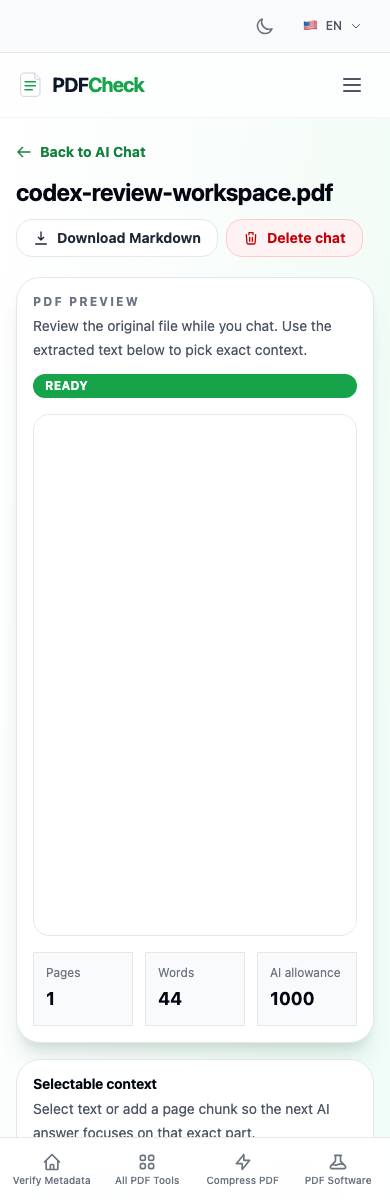
Common Use Cases for Chat with Any PDF
- Contract review: ask for obligations, renewal terms, payment dates, risk clauses, and inconsistent definitions.
- Research and reports: summarize long reports, extract important tables, and ask for page-backed explanations.
- Policy and compliance: find requirements, deadlines, exceptions, and sections that need review by a specialist.
- Editing and quality control: identify grammar issues, unclear phrasing, missing definitions, and inconsistent terminology.
- Knowledge extraction: download extracted content as Markdown so teams can reuse it in notes, documentation, and internal workflows.
A Better User Experience for AI Document Review
User experience matters because document review is not a single prompt. People need to scan the original PDF, ask a question, verify the source, select a more specific passage, add a comment, and then ask a follow-up. That loop should feel natural.
PDFCheck keeps the document and the AI conversation together. The upload page explains the free account requirement clearly, the chat workspace shows remaining AI message allowance, and account history makes it easier to find previous files. For heavier usage, the Pro and Business plans expand the monthly AI message allowance and file capacity.
How to Try PDFCheck AI PDF Chat
Open the AI PDF Chat page
Go to Chat with Any PDF and create a free account if you are not signed in.
Upload one PDF
PDFCheck stores the original file privately for that chat session and extracts text into page chunks for retrieval.
Ask your first questions
Start with a summary, ask for risks, find key dates, or select a passage and ask the AI to focus on that exact context.
Verify and export
Review citations, add comments, and download the extracted content as Markdown when you need to move findings into another workflow.
Related PDF Workflows
AI chat is strongest when paired with the right PDF checks. Before relying on a document, consider verifying its metadata, checking signatures, and validating structure. For more background, read our guides on why PDF metadata matters, how to verify PDF digital signatures, and detecting AI-generated PDFs.
You can also follow new releases in the PDFCheck changelog. AI PDF Chat is part of a broader roadmap to make advanced PDF processing easier for everyday users, professionals, and teams that need document answers they can actually verify.
Key Takeaways
- AI PDF chat helps you summarize, search, and question long documents faster.
- Source-backed citations are essential for trust because they let you verify every important answer.
- PDFCheck adds review features beyond chat: preview, selected context, comments, AI document notes, OCR, Markdown export, and account history.
- Free accounts can try AI PDF Chat before upgrading to a higher monthly message allowance.