PDF to Markdown turns a document that is difficult for humans and AI systems to reuse into plain, structured text. Instead of copying from a PDF page by page, you can extract headings, paragraphs, page markers, and readable text into a Markdown file that works well in AI prompts, notes, documentation, review workflows, and internal knowledge bases.
PDFCheck's PDF to Markdown converter reads the embedded text layer first for fast extraction. If the file is scanned, image-only, or otherwise hard-to-parse, the workflow can fall back to AI OCR when OCR is enabled. The goal is simple: extract clean content from PDFs so you can use that content with AI tools instead of feeding them a messy file blob.
If your immediate problem is that Ctrl+F cannot find visible words, follow the practical guide to searching a scanned PDF first. It helps you distinguish an image-only scan from broken text encoding and choose between extraction and a searchable PDF text layer.
Direct answer: when should you convert PDF to Markdown?
Convert a PDF to Markdown when you need clean, reusable text for an AI assistant, retrieval system, documentation page, research note, compliance review, or content cleanup task. Markdown is easier to inspect, quote, diff, chunk, summarize, and version than raw PDF text copied from a viewer.
Why Markdown Is Better Input for AI Tools
AI tools work best when the source text is clear and structured. PDFs are excellent for visual presentation, but they can hide content inside columns, page headers, footers, image layers, form fields, and unusual encoding. Even when a PDF looks readable, copying text from it can produce broken line breaks, missing spaces, or paragraphs in the wrong order.
Markdown gives you a cleaner intermediate format. Headings become easy separators, page labels can preserve source context, and the output can be copied into AI PDF chat, saved as a knowledge-base document, reviewed in a code editor, or split into chunks for retrieval-augmented generation.
| Workflow goal | Why Markdown helps | PDFCheck tool to use |
|---|---|---|
| Prepare content for AI prompts | Clean sections reduce copy-paste noise and make prompts easier to audit. | PDF to Markdown |
| Ask source-backed questions | Markdown can complement a chat workflow when you want reusable notes outside the chat session. | Chat with Any PDF |
| Extract plain text only | Useful when you need raw text extraction without Markdown structure. | PDF Text Extractor |
| Check damaged or unusual files | Validation helps identify corruption before you depend on extracted content. | PDF Validator |
How PDFCheck Converts PDF to Markdown
- Upload the PDF. Open PDF to Markdown and choose the document you want to convert.
- Read the embedded text layer. PDFCheck first extracts selectable text from the PDF. This is fast and preserves the content that is already stored as text.
- Use AI OCR when needed. If the document has little or no extractable text, scanned pages can be rendered and read with AI OCR when that fallback is configured.
- Build Markdown. The converter assembles the readable content into Markdown with a document title and page sections.
- Copy or download the result. Use the Markdown in AI prompts, documentation, research notes, review checklists, or a retrieval pipeline.
Scanned and Hard-to-Parse PDFs
Some PDFs do not contain useful text at all. They may be scanned paper documents, photographed forms, image exports from another app, or old archives where the visible words are actually pixels. A normal text extractor can return an empty result even though the page looks readable.
That is where OCR matters. PDFCheck detects when the text layer is too thin and can use AI OCR to read rendered page images. This is especially useful for invoices, signed forms, legacy reports, certificates, receipts, scanned policies, and other hard-to-parse files where the content matters more than the original layout.
Good fit for PDF to Markdown
Reports, policies, manuals, research papers, contracts, guides, meeting packets, invoices, scanned forms, and content you want to reuse in AI tools.
Review manually after conversion
Complex tables, handwritten notes, rotated scans, multi-column layouts, legal exhibits, and documents where exact formatting or signatures are important.
Applications for PDF and AI Workflows
- RAG and knowledge bases: convert policy PDFs, manuals, and reports into Markdown before chunking them for retrieval.
- AI summarization: give an AI assistant clean text instead of asking it to infer content from a visual PDF.
- Document comparison: turn versions into text that can be reviewed, diffed, or summarized before deeper comparison.
- Content migration: move PDF content into docs, help centers, internal wikis, or CMS drafts.
- Compliance review: extract obligations, dates, tables, and definitions into a format reviewers can annotate.
- AI agent inputs: provide agents with readable Markdown instead of expecting them to parse arbitrary PDF structure.
Checklist Before Sending Extracted Markdown to AI
- Check whether all expected pages were converted.
- Scan headings and page labels so you know where sections came from.
- Review tables, columns, footnotes, and captions because those are common extraction trouble spots.
- Remove private or regulated information before pasting Markdown into third-party AI tools.
- Use AI PDF detection, metadata checks, or signature checks when document origin matters.
- Keep the original PDF available so important AI answers can be verified against the source.
FAQ
Does PDF to Markdown preserve the exact layout?
No. Markdown is meant for clean reusable content, not pixel-perfect layout. Keep the original PDF for final visual review.
Can it handle scanned PDFs?
Yes, when OCR is enabled. PDFCheck first tries the text layer, then can use AI OCR for scanned or image-only pages.
Should I use PDF to Markdown or AI PDF Chat?
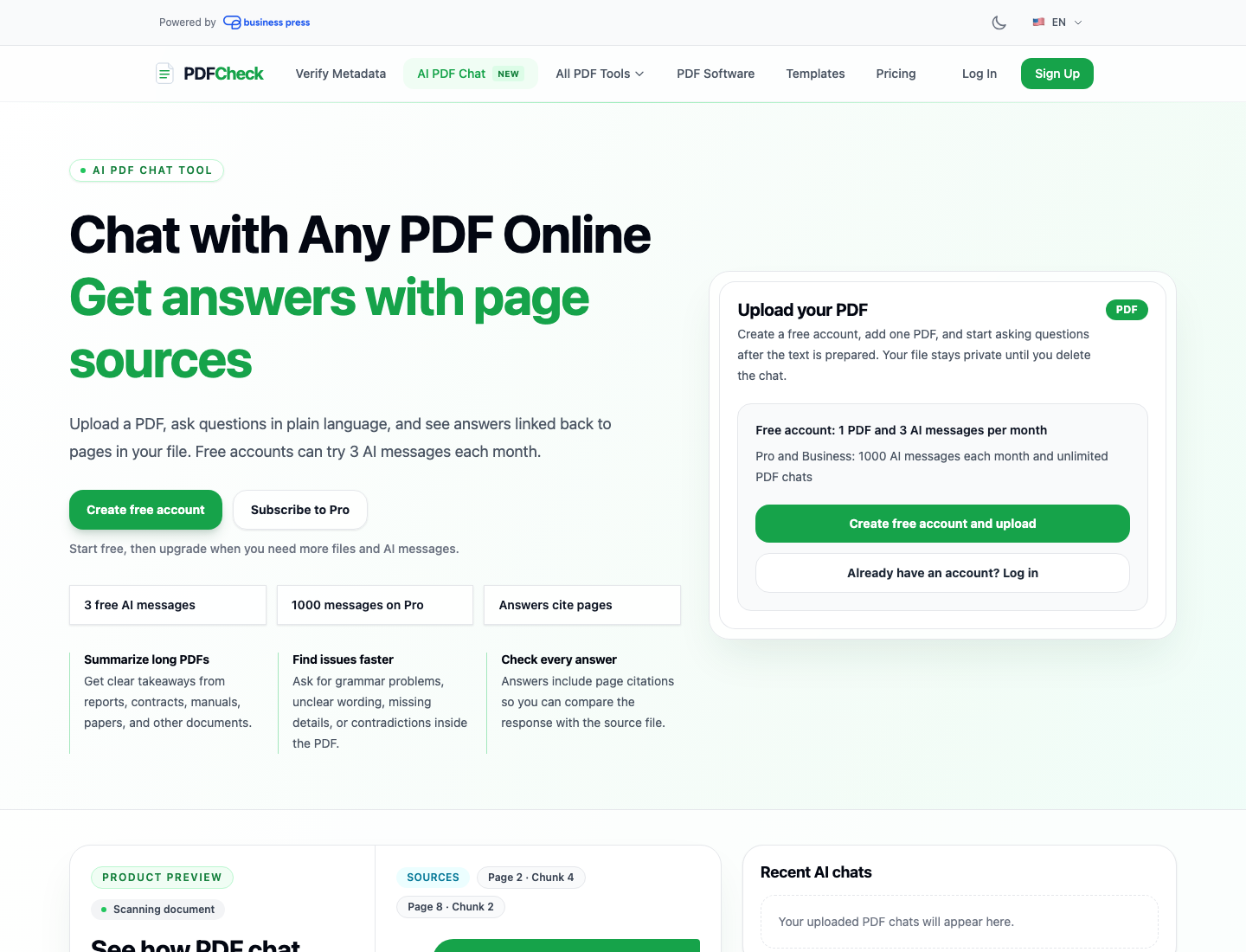
Use PDF to Markdown when you want a reusable text file. Use AI PDF Chat when you want to ask questions inside a review workspace with sources and comments.
Sources Used for This Guide
- Google Search Central helpful content guidance - used to keep this article practical, people-first, and task-focused.
- Google Search Central AI optimization guide - used for guidance on clear, accessible content that can be understood by search and AI systems.
PDF to Markdown is a small format change with a big workflow payoff. Once your PDF content is clean, readable, and structured, you can use it more confidently with AI tools, human reviewers, documentation systems, and long-term knowledge stores.